
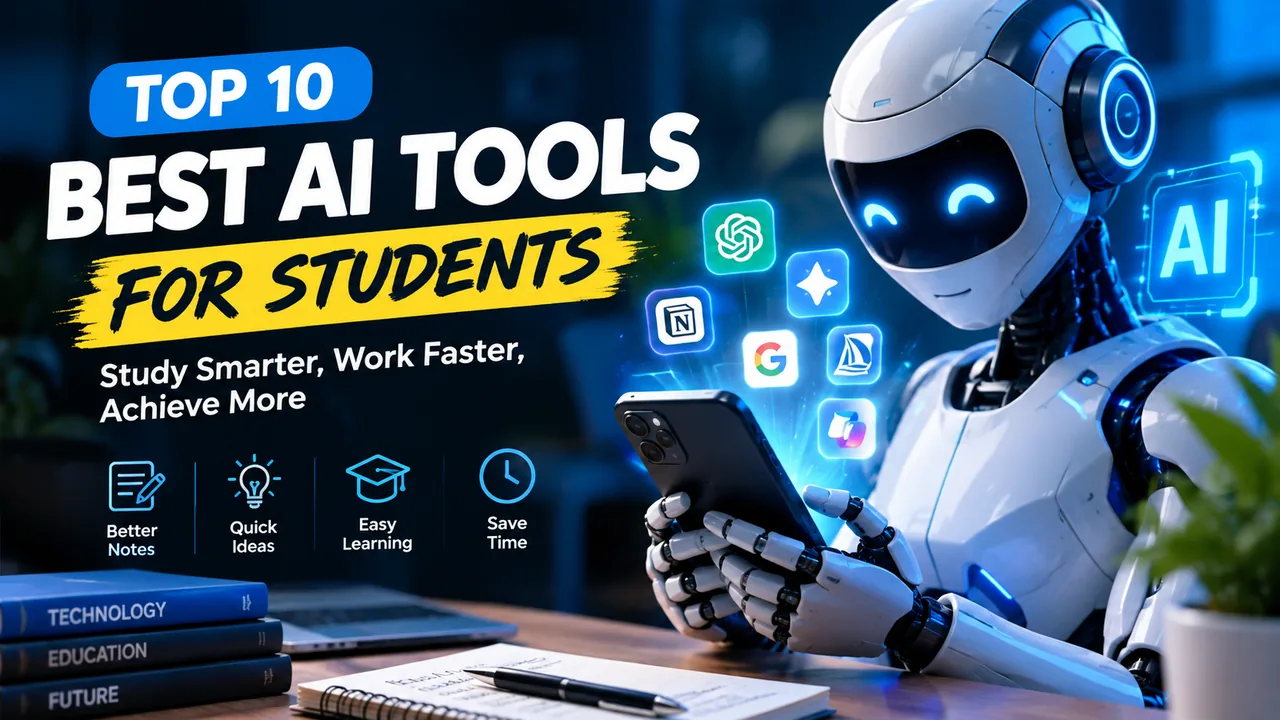
Best AI Tools for Beginners in 2026: A Complete Guide
Artificial intelligence is making it easier for people to write, learn, create images, research information, and complete everyday tasks. You no longer need advanced programming skills to start using many AI tools. With the right platform and clear instructions, beginners can explore practical applications of AI in just a few minutes.
However, choosing the right tool can be confusing. Some platforms focus on writing, others help with research or design, and some assist with programming and productivity.
In this guide, you will discover the main types of AI tools beginners should explore in 2026, what they can do, how to choose between them, and how to use them responsibly.
What Are AI Tools?
AI tools are software applications that use artificial intelligence to help users perform specific tasks. Depending on the platform, they may generate text, summarize documents, answer questions, create images, analyze information, or suggest computer code.
For example, a student can use an AI assistant to understand a difficult concept, while a freelancer can use a writing tool to organize a project proposal.
AI tools do not always produce accurate results. Users should review their outputs, verify important claims, and avoid sharing confidential information without understanding the provider's privacy practices.
1. AI Chatbots for Everyday Questions
AI chatbots are a practical starting point for beginners. They can explain concepts, brainstorm ideas, summarize information, and help users organize their work.
Examples include ChatGPT, Google Gemini, and Claude.
Best for: Beginners, students, professionals, and people who want a general-purpose assistant.
How to use them: Ask a specific question, describe your goal, and request an answer in a useful format.
For example, instead of writing, "Teach me technology," try this prompt:
"Explain cloud computing to a complete beginner. Use simple English, provide three everyday examples, and finish with five practice questions."
Specific instructions often produce more useful results than vague requests.
2. AI Writing and Editing Tools
Writing assistants can help users develop outlines, improve grammar, rewrite unclear sentences, and brainstorm article ideas.
They may be useful for bloggers, students, marketers, and small business owners who regularly create written content.
Best for: Drafting, editing, outlining, and improving readability.
Practical example: A blogger can prepare an outline, research the subject using reliable sources, draft an article, and then edit it to add original insights and accurate information.
AI-generated text should not be published automatically without review. Check facts, remove repetitive material, and make sure the final article genuinely helps its intended readers.
3. AI Image Generation Tools
AI image generators can create illustrations and visual concepts from written descriptions. They can help beginners explore creative ideas without advanced graphic design skills.
Different platforms offer different image styles, editing features, usage limits, and commercial-use terms.
Best for: Concept art, illustrations, creative experiments, and visual brainstorming.
Practical example: A content creator could request an original illustration showing a futuristic workspace with a laptop, digital assistant, and modern office environment.
Before using generated images commercially, review the platform's licensing terms and check for misleading visual details or unwanted similarities to protected material.
4. AI Research and Productivity Tools
Some AI tools help users organize information, summarize documents, extract key points, and manage research tasks.
These capabilities can be useful when studying a topic or preparing a business report. However, summaries may omit context, misunderstand a source, or present unsupported statements.
Best for: Research organization, document summaries, meeting notes, and information management.
Beginner tip: When using a research assistant, ask it to identify its sources and verify important statements against the original documents.
Never treat a generated summary as a substitute for reading critical information yourself.
5. AI Coding Assistants
AI coding assistants can explain programming concepts, suggest code, help investigate errors, and support developers while they build websites or applications.
Beginners can use them to learn HTML, CSS, JavaScript, Python, and other programming concepts.
Best for: Learning to code, understanding errors, and developing software prototypes.
Practical example: A beginner building a website can ask an AI coding assistant to explain why a navigation menu is not working and suggest a fix.
Always review and test generated code. For production websites, pay particular attention to authentication, database queries, privacy, and security.
6. How to Choose the Right AI Tool
You do not need to use every available AI platform. Choose one that fits your main goal.
Consider these factors:
- Purpose: Does the tool solve the problem you actually have?
- Ease of use: Can you understand its interface and instructions?
- Cost: Does the free plan provide enough features for your needs?
- Privacy: How does the provider handle your prompts and uploaded files?
- Quality: Does it produce useful results for your particular task?
- Limitations: Are there usage caps, regional restrictions, or paid features?
Features, pricing, and free-plan limits can change. Check the official provider websites before making a decision.
7. How Beginners Can Start Using AI
Follow these steps to build confidence with AI tools.
Step 1: Choose one task.
Decide whether you want help with learning, writing, design, research, or coding.
Step 2: Select one suitable tool.
Start with a platform designed for your task. Avoid signing up for many services before understanding what you need.
Step 3: Write clear prompts.
Explain the task, intended audience, relevant background, and desired format.
Step 4: Evaluate the result.
Check accuracy, relevance, clarity, and whether the answer meets your needs.
Step 5: Improve your instructions.
If the response is too general, provide additional context or ask for a specific example.
Step 6: Protect your information.
Do not enter passwords, private customer information, or confidential business records unless you have appropriate authorization and understand the provider's data practices.
Can Beginners Use AI Tools for Free?
Some AI platforms offer free access with restrictions, while others require subscriptions for advanced features, higher usage limits, or specialized capabilities.
Free access may be sufficient for learning basic concepts, testing prompts, or completing occasional tasks.
Before paying for a subscription, identify which features you need and compare the available plans. Avoid subscribing to several services that perform essentially the same job.
Common Mistakes Beginners Should Avoid
Trusting every answer: AI can produce convincing but incorrect information. Verify important claims.
Using vague prompts: Clear instructions and relevant context generally make it easier to obtain useful results.
Ignoring privacy: Review how a platform handles uploaded files, conversation data, and sensitive information.
Publishing unedited content: Review AI-assisted writing for accuracy, originality, clarity, and usefulness.
Expecting guaranteed income: AI tools can support valuable skills, but they do not guarantee jobs, customers, or earnings.
Paying too early: Test whether a tool meets your needs before purchasing a plan.
Are AI Tools Worth Learning in 2026?
AI tools can be valuable for people who want to learn new skills, improve productivity, and experiment with digital work. Their usefulness depends on the task, the quality of the tool, and the user's ability to evaluate the results.
For beginners, the most effective approach is to start small. Choose one practical problem, experiment with an appropriate tool, check the output, and gradually develop a workflow that works for you.
AI should support human judgment and creativity, not replace responsibility for the final result.
Frequently Asked Questions
Which AI tool is best for beginners?
The best option depends on your goal. A general-purpose chatbot may be a good starting point for everyday questions, while specialized tools may be more suitable for image generation, writing, research, or coding.
Can I use AI tools without programming skills?
Yes. Many AI applications use ordinary written instructions and do not require programming knowledge. Coding skills are necessary only for certain technical tasks.
Are free AI tools useful?
Yes. Free plans can be useful for learning and basic tasks, although usage limits and available features vary between providers.
Can AI tools make mistakes?
Yes. AI-generated answers may contain inaccurate information, missing context, or outdated details. Verify important claims using reliable sources.
Are AI tools safe to use?
Safety depends on the tool and how it is used. Review privacy policies, protect sensitive information, and check important outputs before acting on them.
Final Thoughts
The best AI tool for a beginner is not necessarily the most popular or advanced platform. It is the one that helps solve a real problem reliably and fits the user's needs and budget.
Start with one tool, learn how to give clear instructions, review its results, and expand your toolkit as your skills develop.
Follow TRENDINGPULSE for more AI guides, technology updates, practical tutorials, and digital productivity tips.
Disclaimer: This article is for general informational purposes. AI capabilities, pricing, and availability may change. Check official provider information before choosing or relying on a service.